SiteSync
Connecting construction sites, crews and safety records.
Construction management software for a leading residential and commercial construction company in Adelaide, connecting project information, workforce coordination and site administration.
Discuss your construction workflow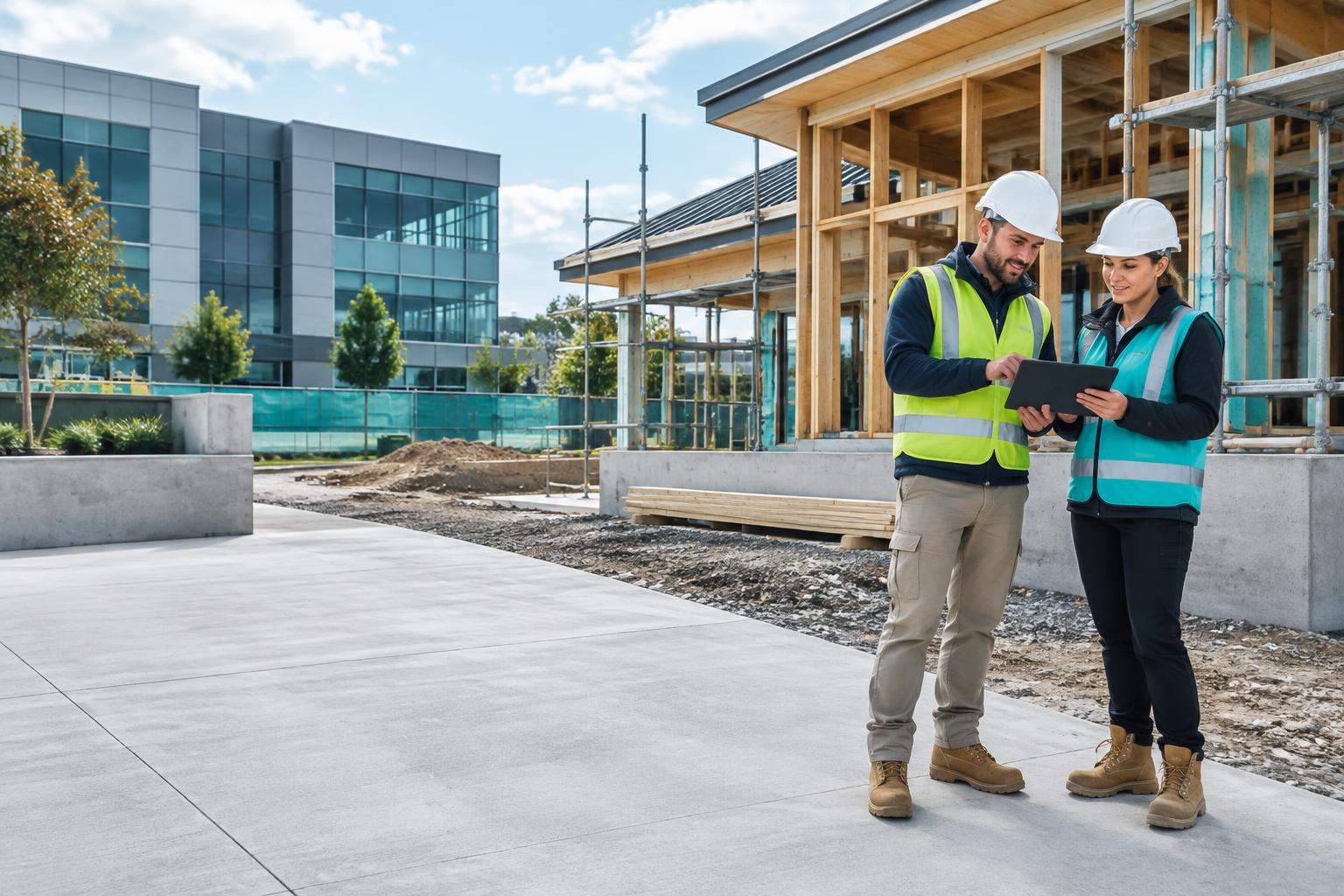
Inside SiteSync
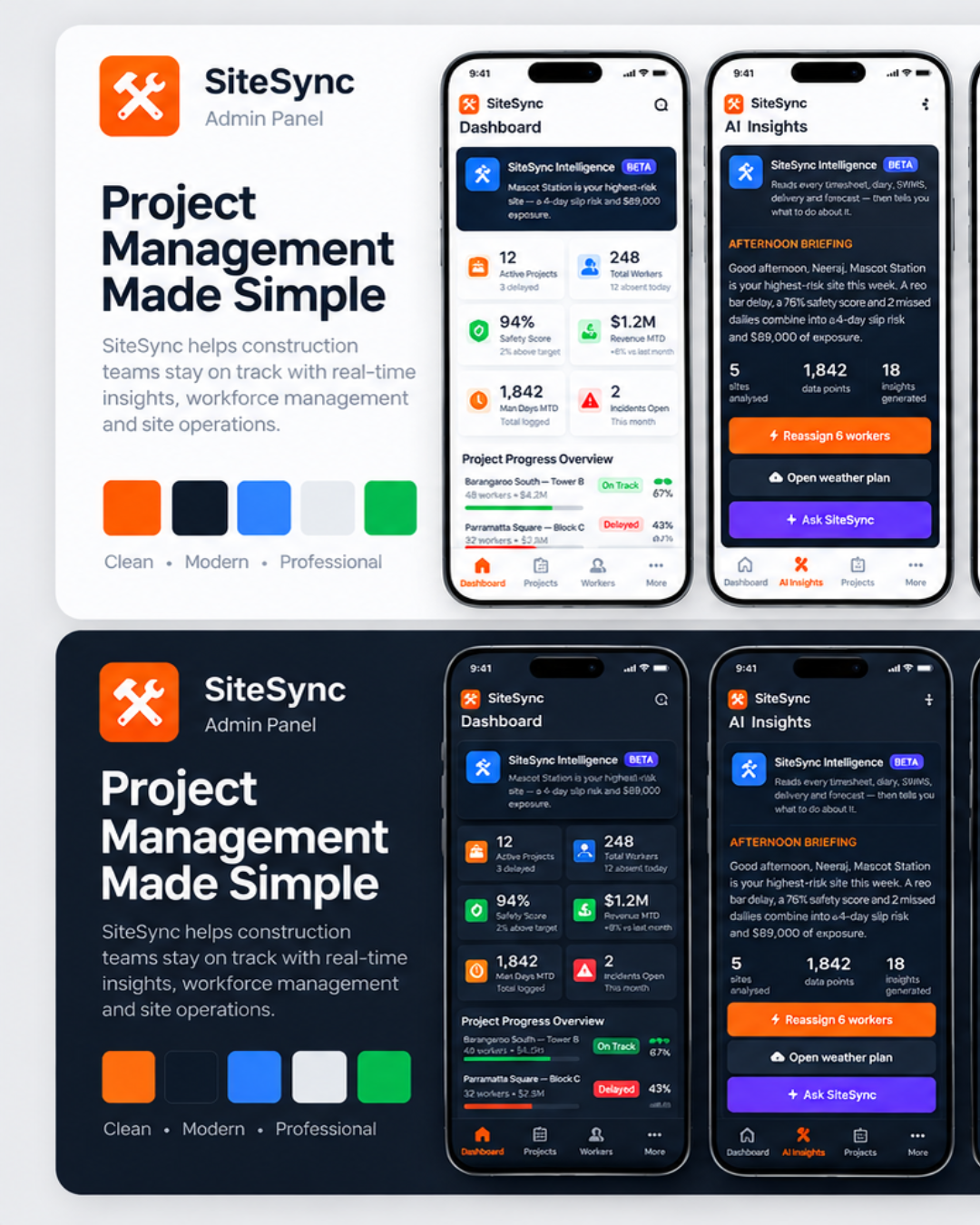
Supplied product presentation. Demonstration data, not customer results.
- Sector
- Construction
- Story status
- Customer story
- Focus
- Construction management software · Adelaide
01 / The challenge
Start with the work,
not a feature list.
Residential and commercial delivery involves changing site priorities, multiple crews and safety records that need attention. Office teams and supervisors need a shared view without repeatedly chasing separate project updates.
For a leading residential and commercial construction company in Adelaide, site coordination spans project records, changing crew requirements and safety administration. Supervisors need useful site-level detail while the office needs a broader operational picture. This construction management software story explains the SiteSync workflows relevant to that context, using product demonstration screens rather than the client’s private project or workforce records.
02 / The approach
Construction management software · Adelaide
- 01Project setup
- 02Crew coordination
- 03Site activity
- 04Safety sign-offs
- 05Reporting
Organise the project picture first. SiteSync’s dashboard and project workspace show how project information and work requiring attention can be reviewed together across residential and commercial activities.
Connect workforce records to coordination. The supplied worker screen shows roles, attendance and licence information; a consistent record helps teams know what information to review rather than repeatedly reconstructing it.
Make safety follow-ups visible by project. SWMS acknowledgements and outstanding sign-offs need responsible people and a clear review path. The software supports visibility; it does not replace the company’s safety responsibilities or certify compliance.
The product in practice
A closer look at the workflow.
Supplied product visuals show the capabilities discussed in this story. Screen counts are demonstration data, not measured business results.
03 / Operational impact
Bring project, workforce and safety information closer to the people coordinating the build.
See the project picture
Review site progress and project information together, with a clearer view of work needing attention.
Connect crew records
Keep worker roles, attendance and licence information in a consistent operational view.
Make safety follow-ups visible
Review SWMS acknowledgements and outstanding requirements by project, keeping safety decisions with the responsible team.
What to measure next.
These are review questions for evaluating the workflow, not achieved KPIs. Baselines and measured outcomes have not been supplied for publication.
- Project visibility
- Can office staff and supervisors locate the current project information?
- Workforce records
- Which attendance or licence records need review before allocation?
- Safety follow-ups
- Which SWMS acknowledgements or project sign-offs remain outstanding?
04 / Evidence & status
What this story shows.
Client context supplied by 10xGrowth Labs: a leading residential and commercial construction company in Adelaide. The client remains unnamed.
These SiteSync product screens illustrate the workflows, not the customer’s actual records. Detailed implementation scope, dates and measured customer results have not been published. AI Insights remains beta and is not claimed as a delivered client feature.
Banner photography is AI-generated editorial illustration, not a photograph of the client, its staff or its premises. Product screens are the separately supplied visual evidence.
Explore a similar workflow
From this story to your next step.


A similar challenge?
Let’s talk about your workflow.
Work with our Adelaide-based team to identify the information, decisions and handovers your software needs to support.